




Contact us
Thank you for your interest
Our team will get in touch with you shortly to discuss.
Error
Please try again in sometime.
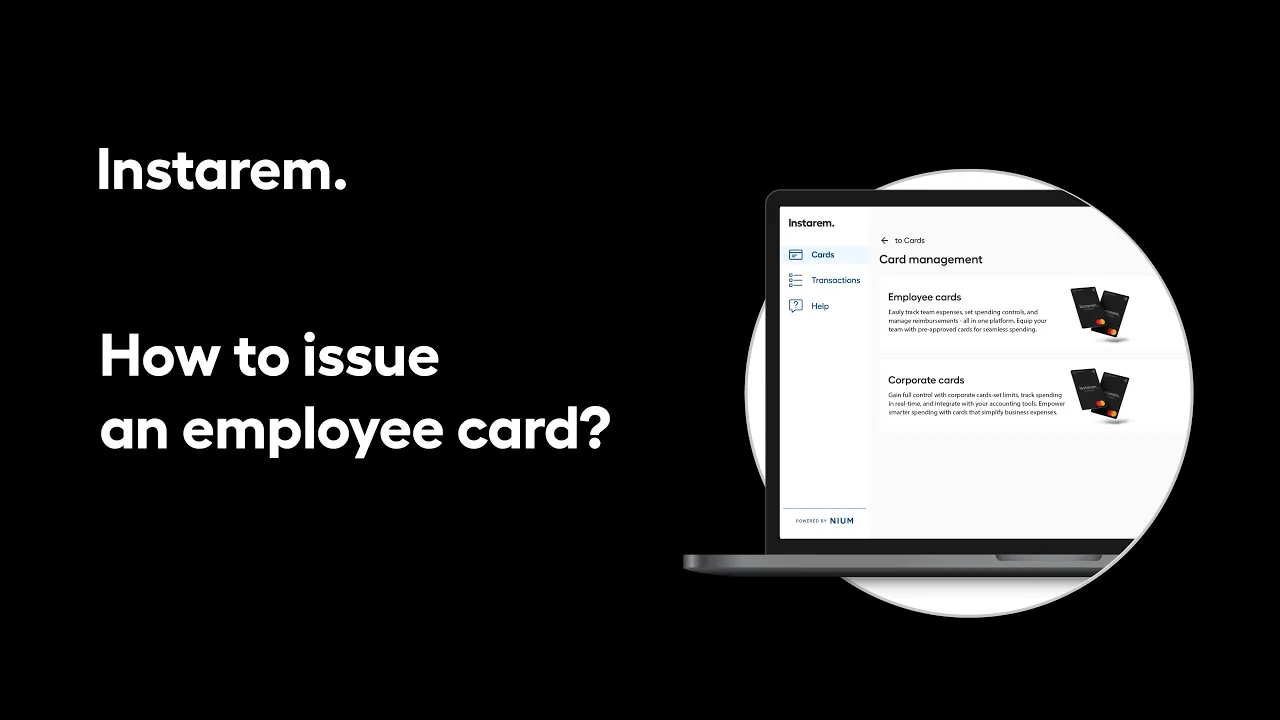
Issuing an employee card can be done directly from your Instarem business account.
Go to the Cards section, select Issue new card, and choose Employee card. Pick the employee, enter the required details, upload the employment letter, and review card settings such as usage permissions and spending limits before issuing the card.
Once you issue the card, your employee will receive an email with steps to activate their card and start using it for business expenses.
You are on our United States of America website. Select below to change to another location.