This is testing banner for All corridor (Consumer)




Funding your amaze wallet: Easy walkthrough
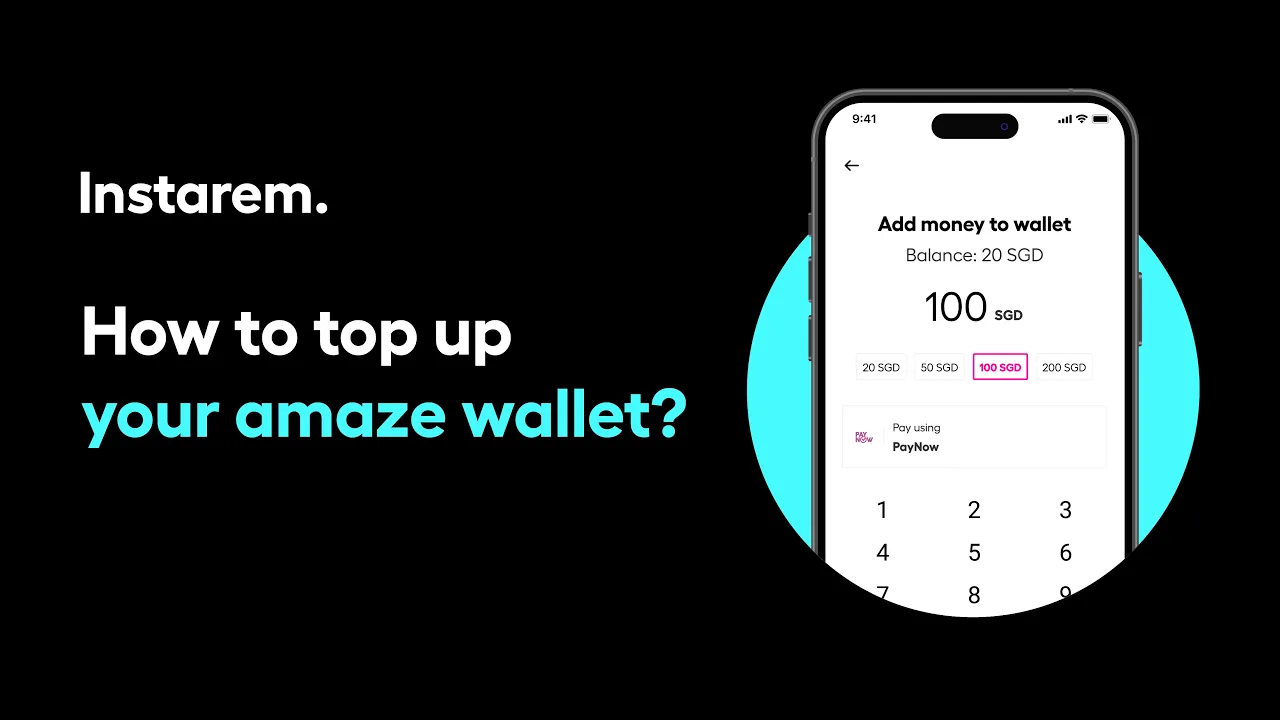
Need to add Singapore dollars to your amaze wallet? It’s easy with the Instarem app.
Go to the Wallet and tap Top up, then enter the amount you want to add. Either choose from the suggested values or type in your own. Review the details and tap Authorise Transfer, then enter the OTP. You’ll receive a PayNow QR code which you can scan using your banking app, or manually enter the PayNow details to complete the payment and tap I made the payment. Once successful, the funds will appear in your wallet ready to use, and you can select the amaze wallet as your payment source before spending overseas.
Didn’t find what you were looking for?
Have a Personal Instarem account?
- Log in to your account on the Instarem app or web.
- Go to your Profile section.
- Tap on Help.
- Search for the relevant topic.
- Raise a ticket or chat with us if you didn’t find what you were looking for.
Have a Business Instarem account?
- Log into your account on the Instarem business portal.
- Tap on Help.
- Search for the relevant topic.
-
You can raise a ticket by:
- Clicking Submit a request at the top-right corner of the Help Centre page, or
- Clicking Raise a ticket after selecting a topic or FAQ.
- We’ll get back to you once your request is submitted.
