




Contact us
Thank you for your interest
Our team will get in touch with you shortly to discuss.
Error
Please try again in sometime.
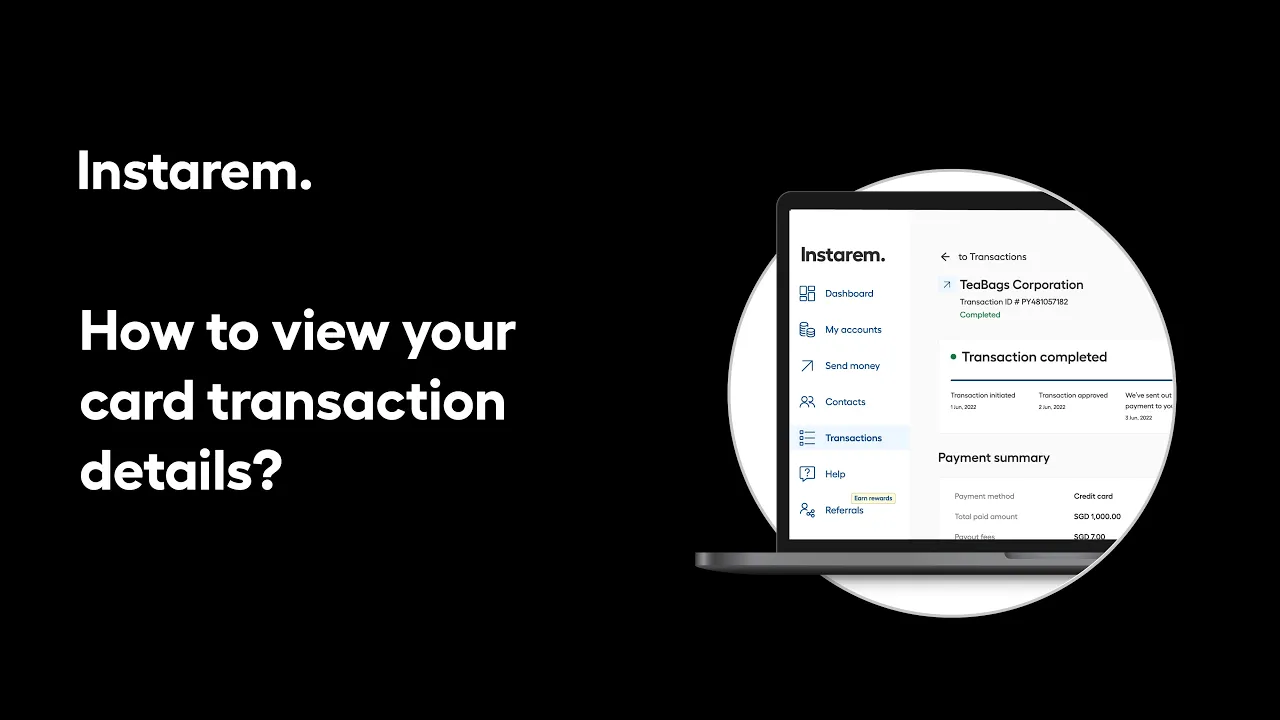
Tracking business card transactions is easy from your account dashboard.
Head to Transactions section from your dashboard. Here, you’ll see both cross-border and card-related transactions. Select Card wallet to view all Business Card payments. Click on any transaction to view details like the merchant name, amount, exchange rate, and employee who made the payment. You can also upload a receipt for your records, if needed.
This helps you stay on top of expenses as they happen.
You are on our United States of America website. Select below to change to another location.