This is testing banner for All corridor (Consumer)




How do I send money overseas with Instarem?
You can send money abroad with Instarem in just a few simple steps:
- Sign up: Download the Instarem app, create an account for free and verify your identity.
- Add a recipient: Add a new recipient or choose from your phone contacts. You can send money to yourself, family and friends.
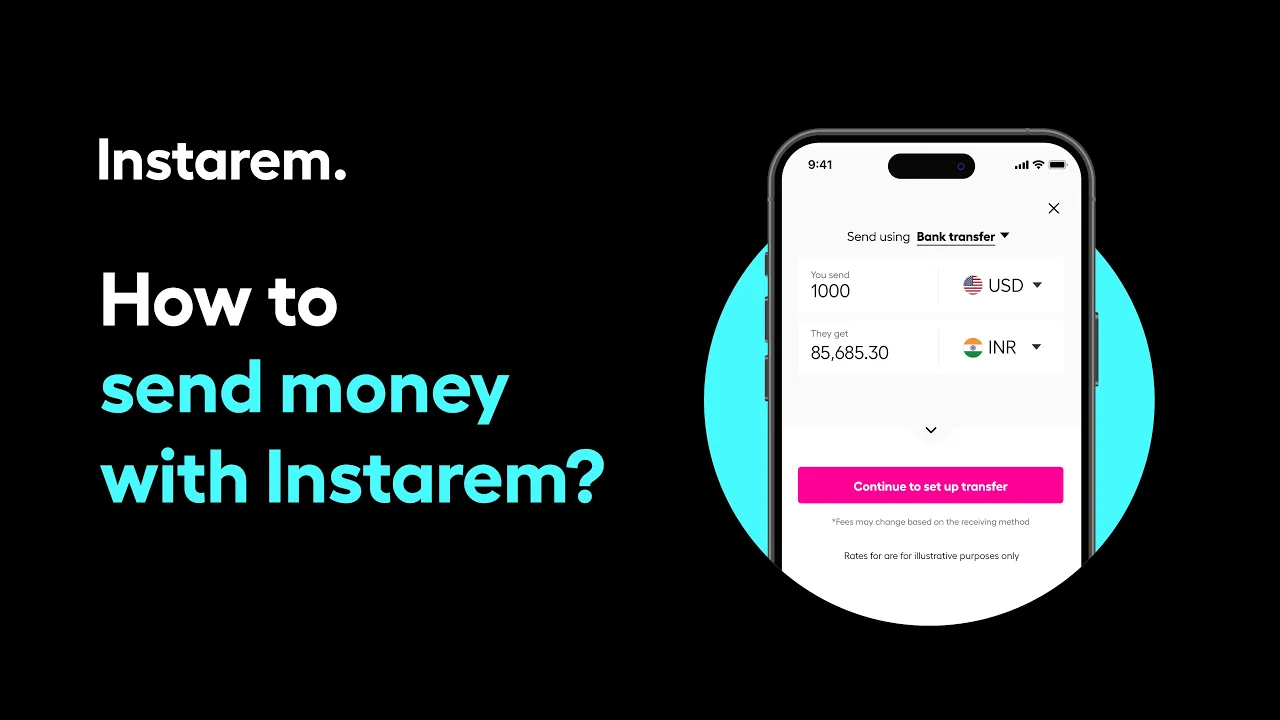
- Add your transfer details: Use the currency calculator to select the sending amount and receiving country. You’ll see exchange rates and fees upfront, with no hidden charges.
- Authorise and pay: Fund your money transfer via your preferred payment method.
Once we receive the funds, we’ll process your transfer and notify you when it’s sent. You can also track your transfer in real time on the app.
Watch this video for a step-by-step walkthrough
Didn’t find what you were looking for?
Have a Personal Instarem account?
- Log in to your account on the Instarem app or web.
- Go to your Profile section.
- Tap on Help.
- Search for the relevant topic.
- Raise a ticket or chat with us if you didn’t find what you were looking for.
Have a Business Instarem account?
- Log into your account on the Instarem business portal.
- Tap on Help.
- Search for the relevant topic.
-
You can raise a ticket by:
- Clicking Submit a request at the top-right corner of the Help Centre page, or
- Clicking Raise a ticket after selecting a topic or FAQ.
- We’ll get back to you once your request is submitted.
