



Overseas ATM withdrawal with amaze
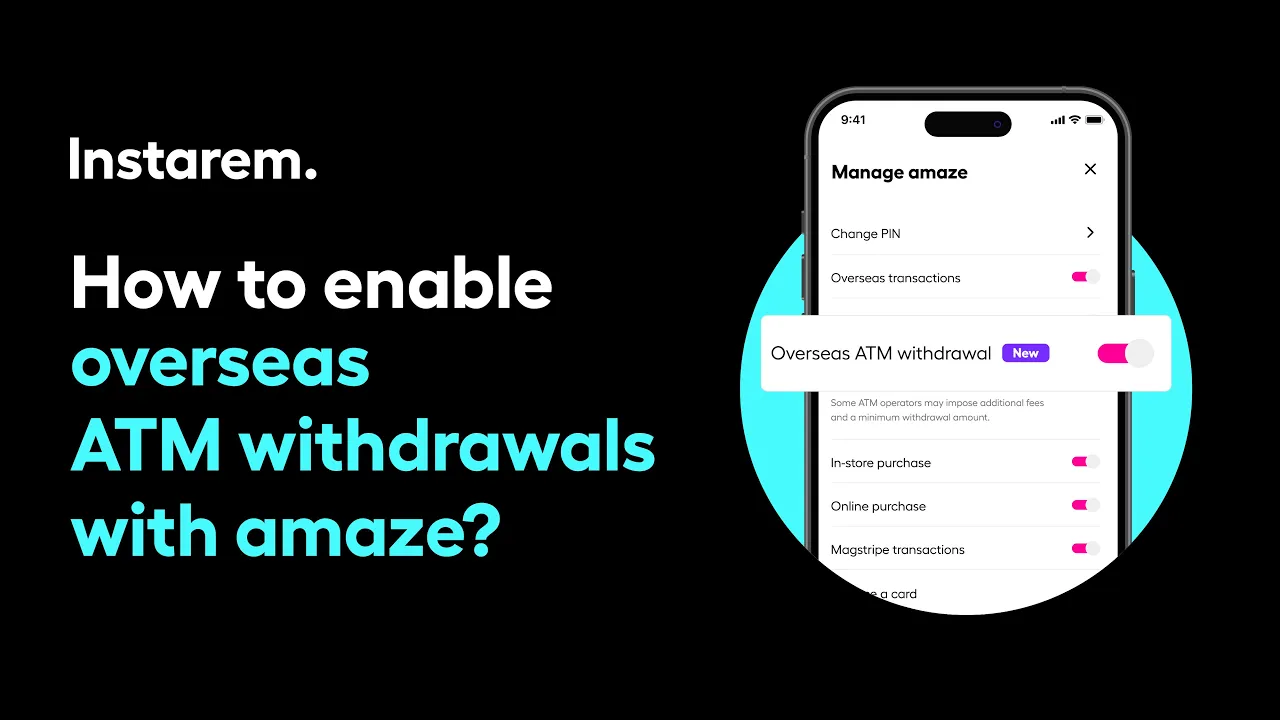
Managing overseas ATM withdrawals with your amaze card is simple and can be set up directly in the app.
Go to your card settings and tap Manage, then turn on Overseas ATM withdrawal to enable international cash access. After that, exit the screen and make sure your funding source is switched to the wallet, as withdrawals are supported from there. Once everything is set, you can withdraw cash from ATMs around the world that display the Mastercard, Maestro, or Cirrus logo.
Didn’t find what you were looking for?
Have a Personal Instarem account?
- Log in to your account on the Instarem app or web.
- Go to your Profile section.
- Tap on Help.
- Search for the relevant topic.
- Raise a ticket or chat with us if you didn’t find what you were looking for.
Have a Business Instarem account?
- Log into your account on the Instarem business portal.
- Tap on Help.
- Search for the relevant topic.
- You can raise a ticket by:
- Clicking Submit a request at the top-right corner of the Help Centre page, or
- Clicking Raise a ticket after selecting a topic or FAQ.
- We’ll get back to you once your request is submitted.


