This is testing banner for All corridor (Consumer)




Moving funds from amaze wallet to bank account
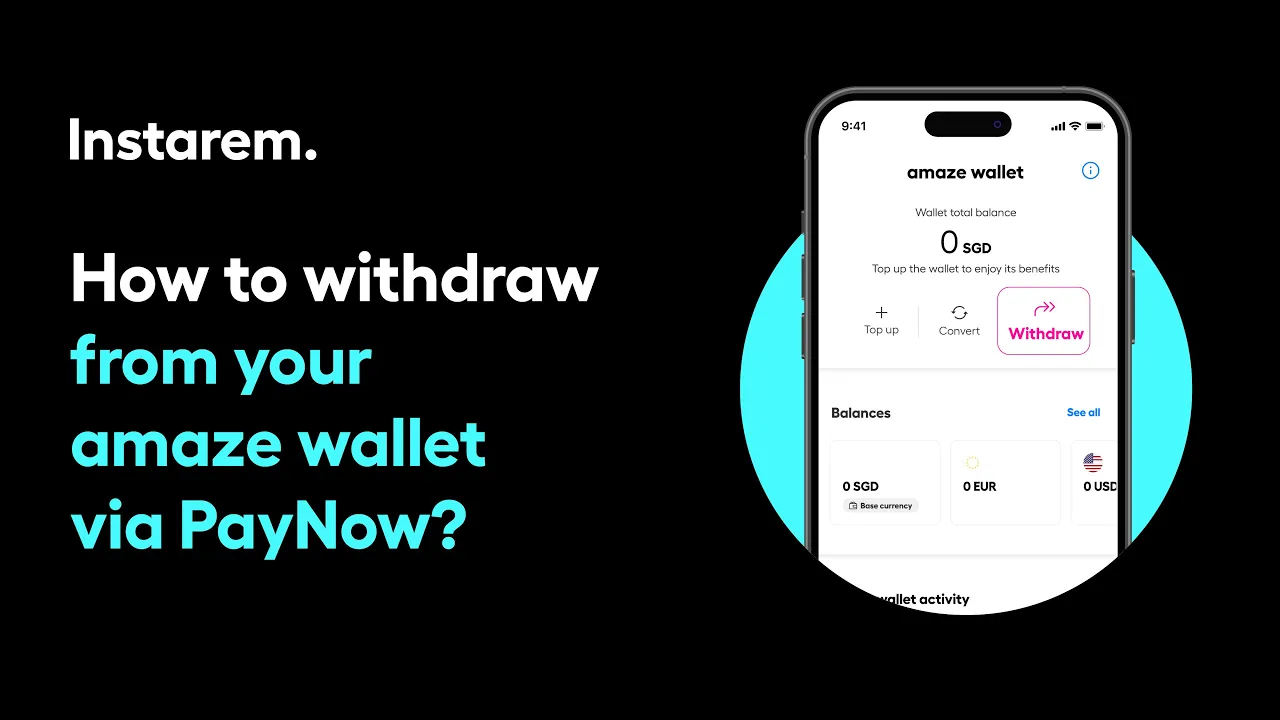
nMoving money from your amaze wallet to your bank account is straightforward in the app.
Go to the Wallet and tap Withdraw, then continue and enter the amount in SGD – if you hold other currencies, simply convert them to SGD first. Choose how you’d like to receive the funds using the mobile number, NRIC, or FIN linked to your account, review the summary, and tap Proceed to Withdraw. Enter the OTP sent to your email and mobile number to confirm, and the funds will be credited to your bank account while your wallet balance updates instantly.
Didn’t find what you were looking for?
Have a Personal Instarem account?
- Log in to your account on the Instarem app or web.
- Go to your Profile section.
- Tap on Help.
- Search for the relevant topic.
- Raise a ticket or chat with us if you didn’t find what you were looking for.
Have a Business Instarem account?
- Log into your account on the Instarem business portal.
- Tap on Help.
- Search for the relevant topic.
-
You can raise a ticket by:
- Clicking Submit a request at the top-right corner of the Help Centre page, or
- Clicking Raise a ticket after selecting a topic or FAQ.
- We’ll get back to you once your request is submitted.
